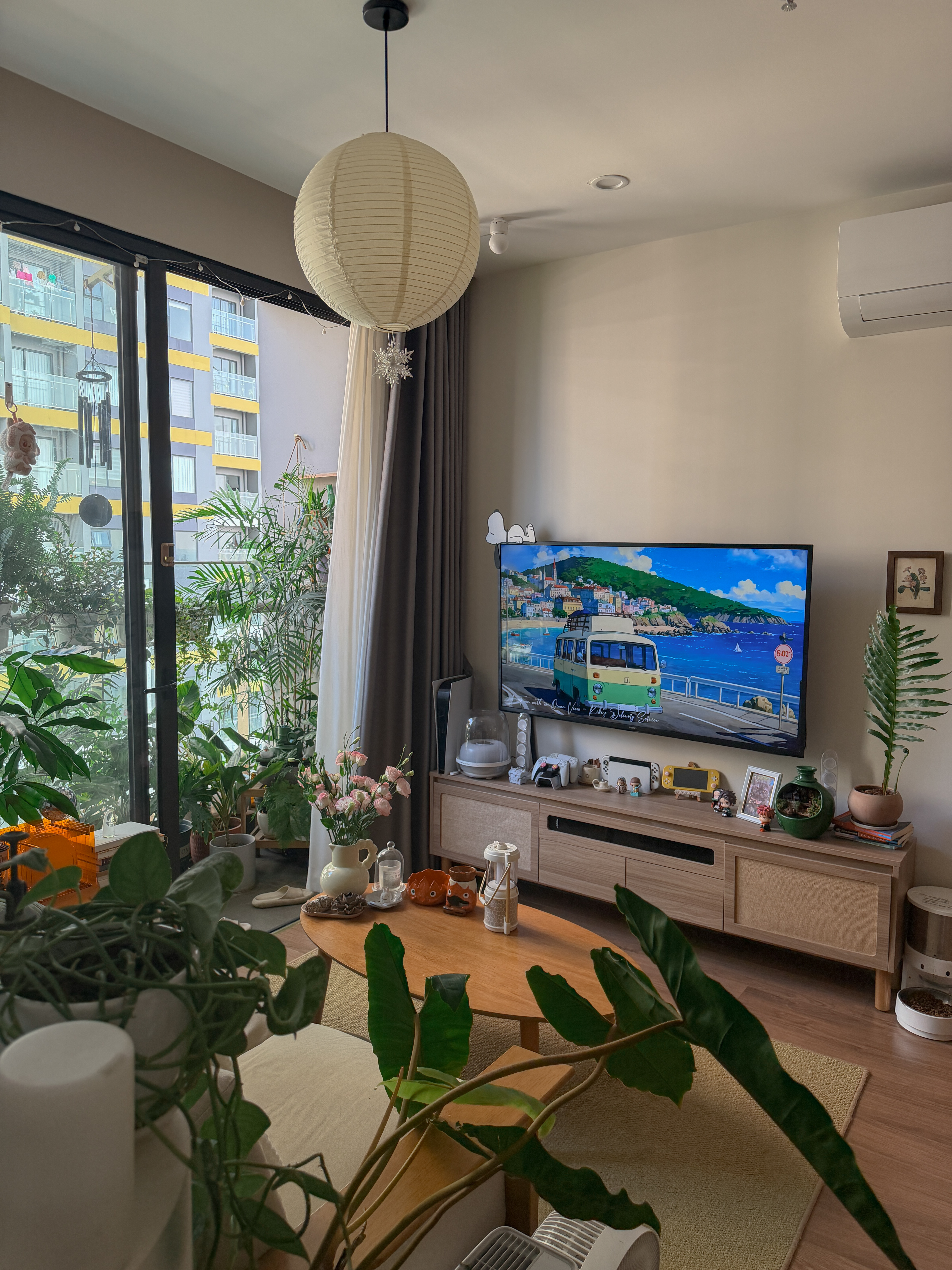
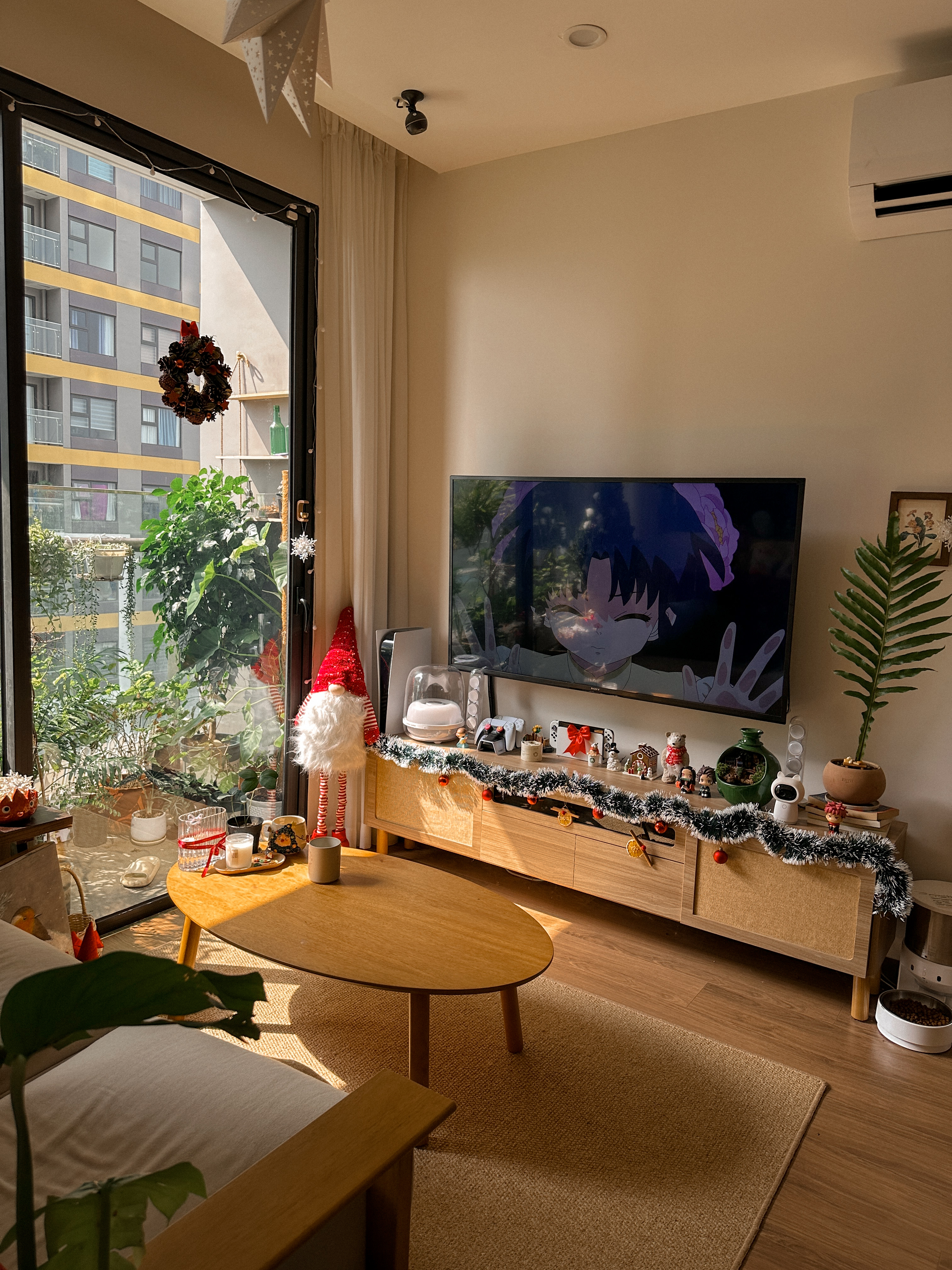
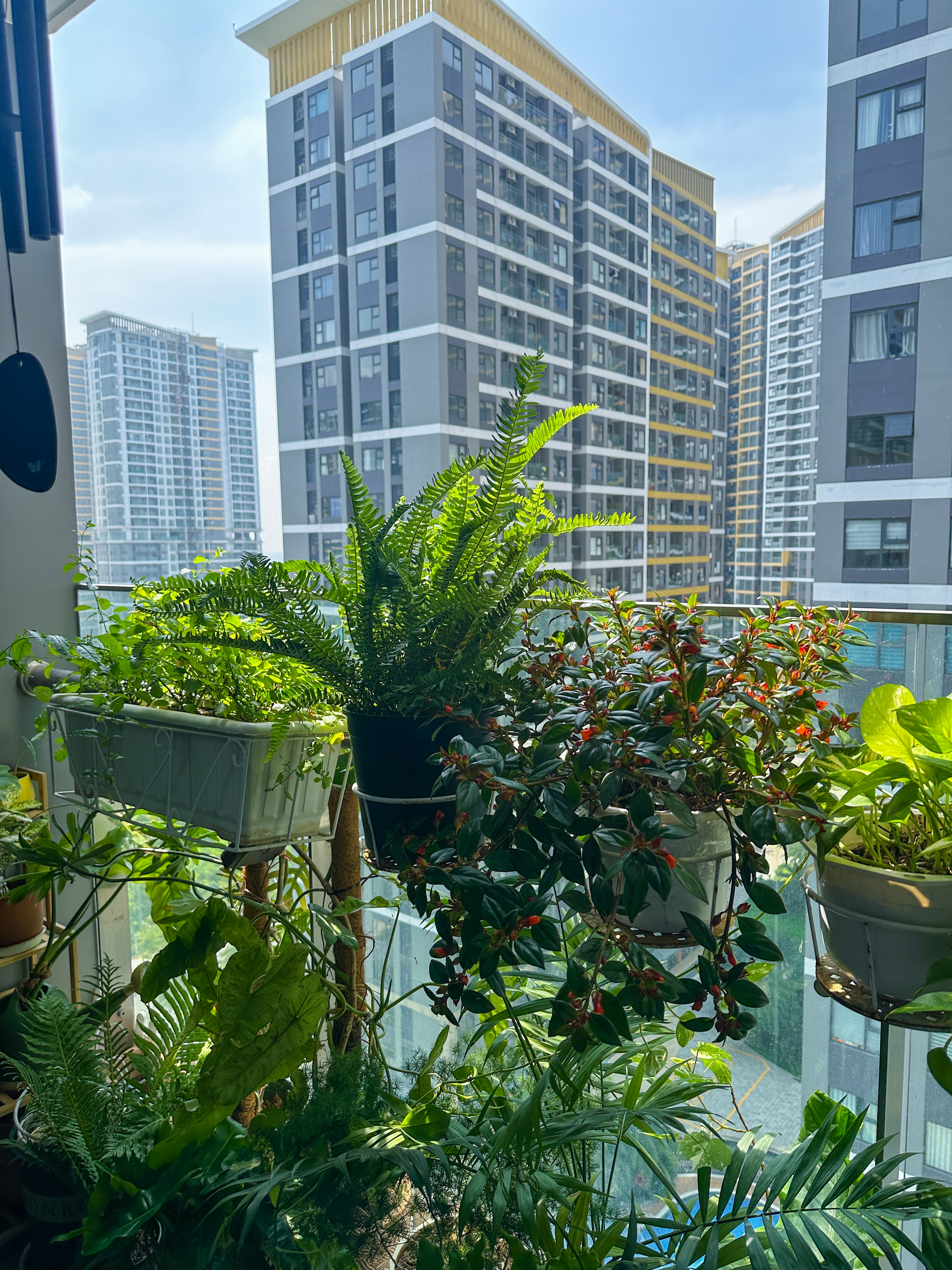
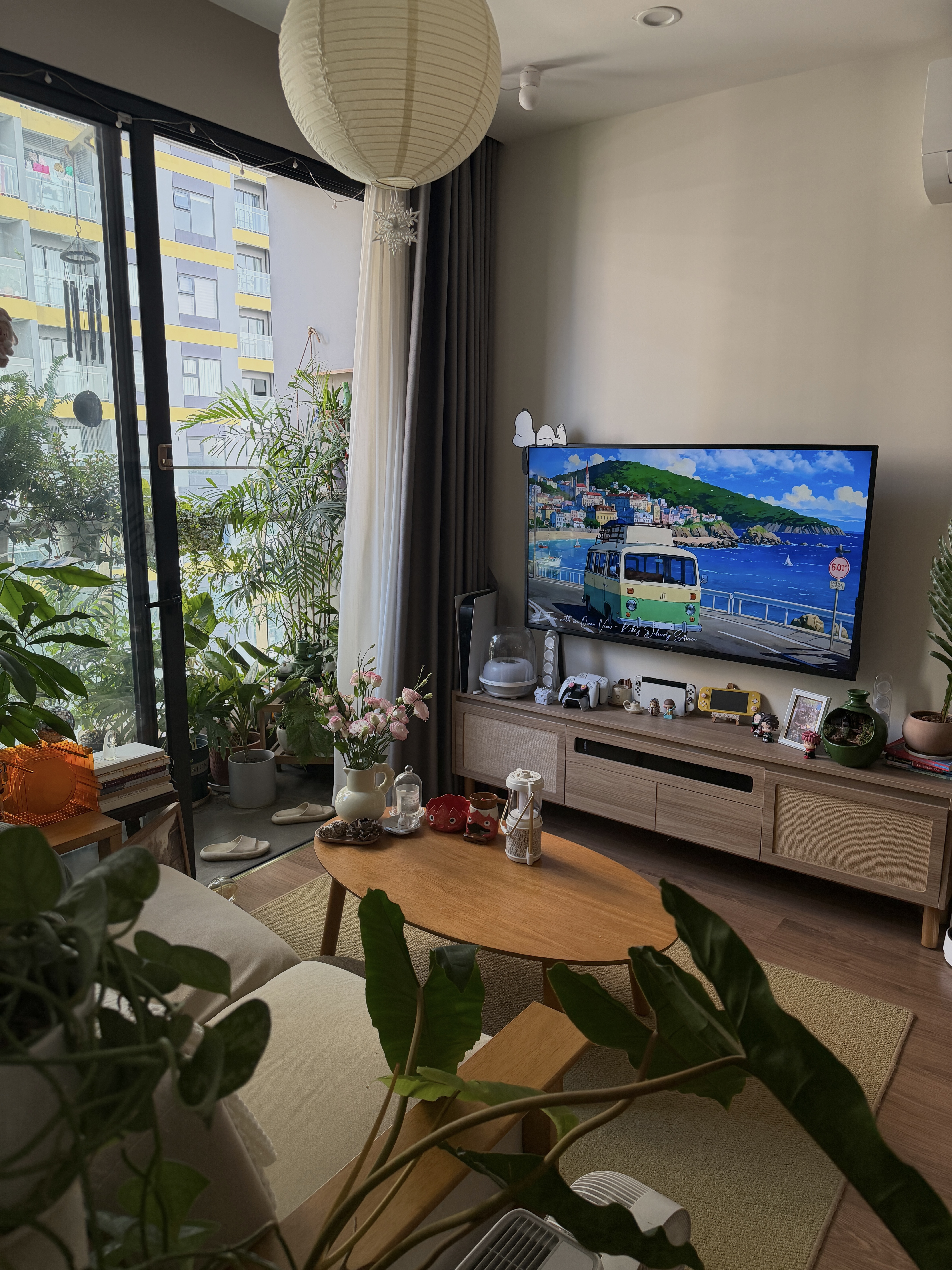
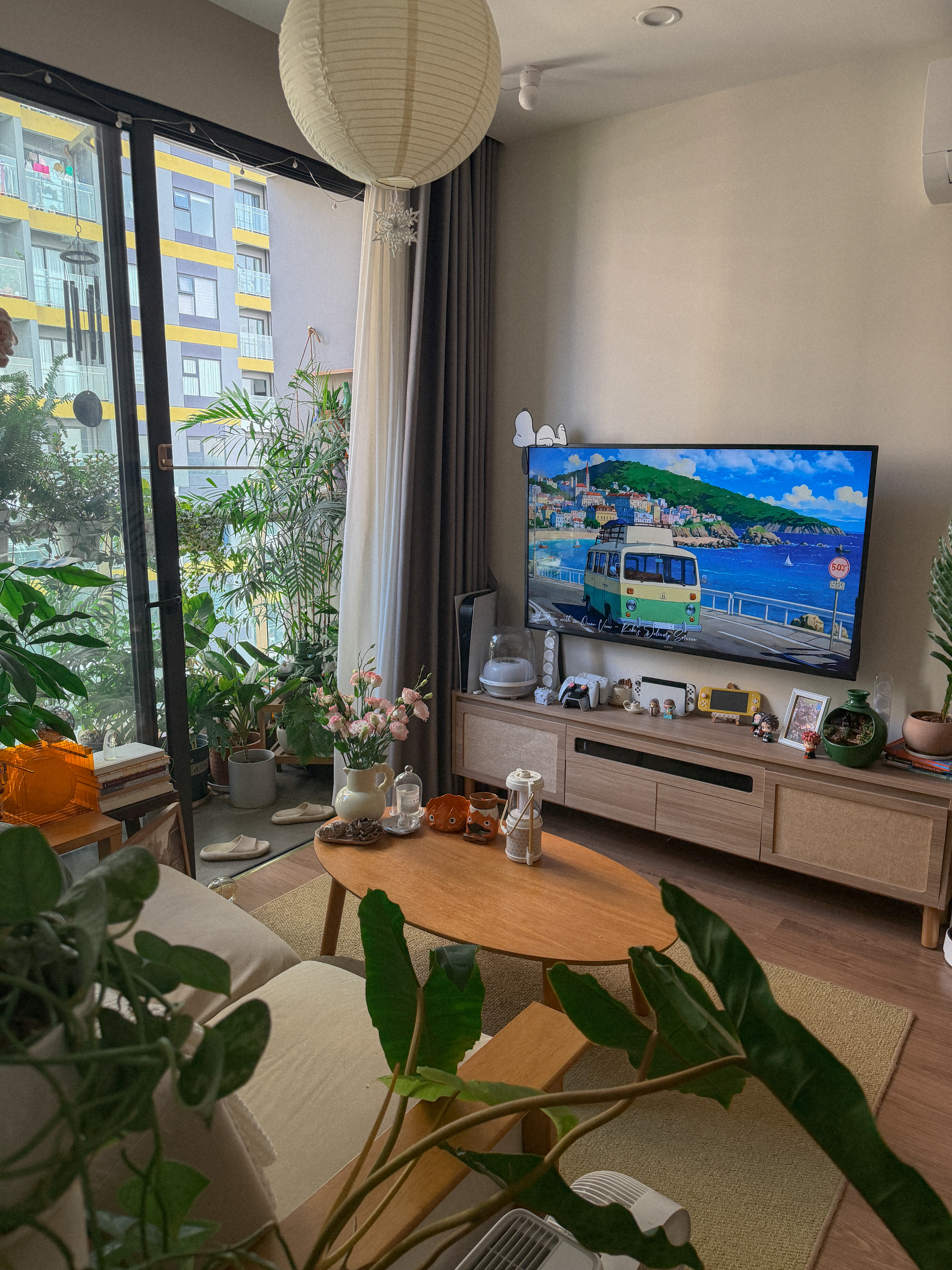
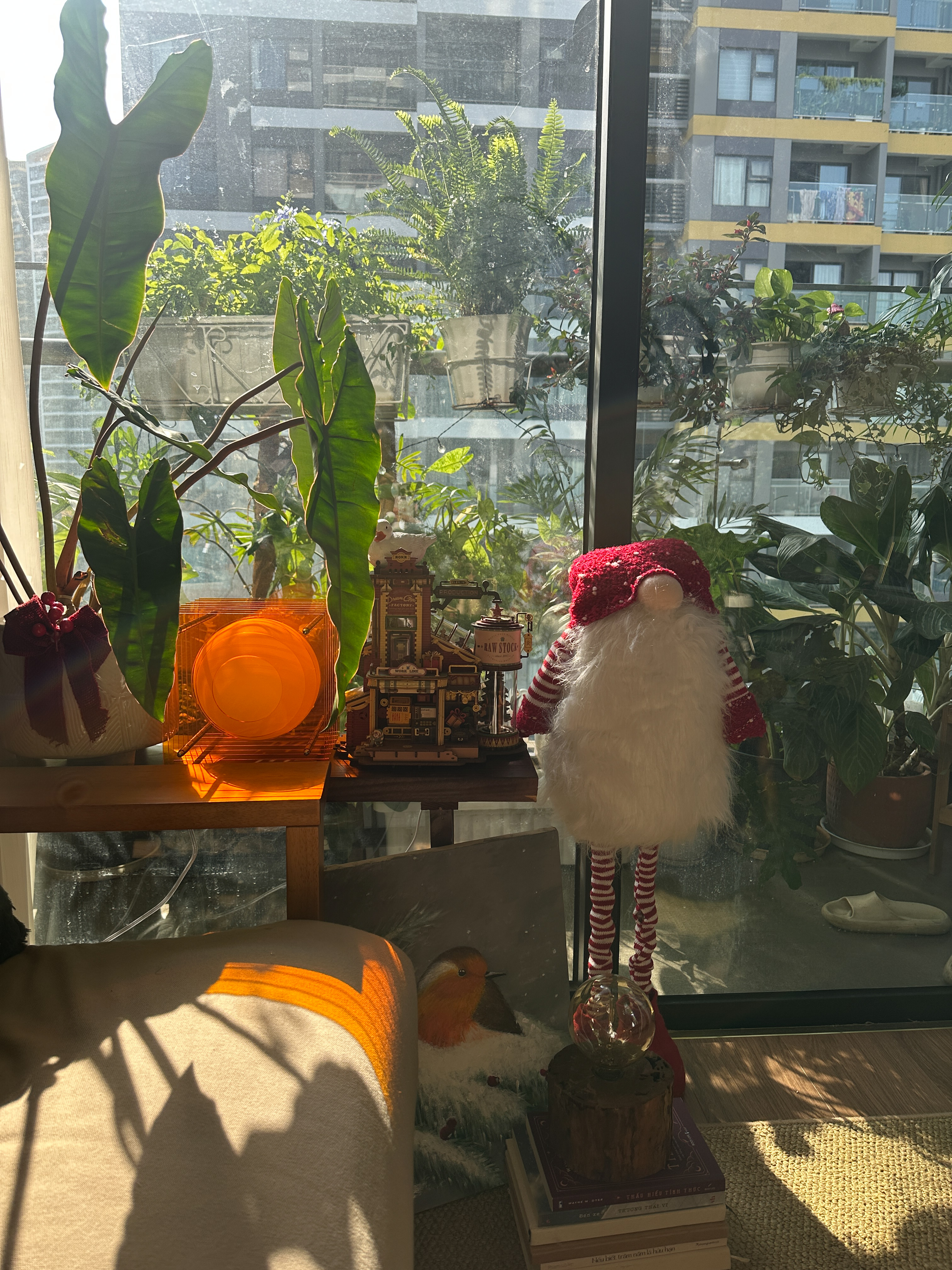
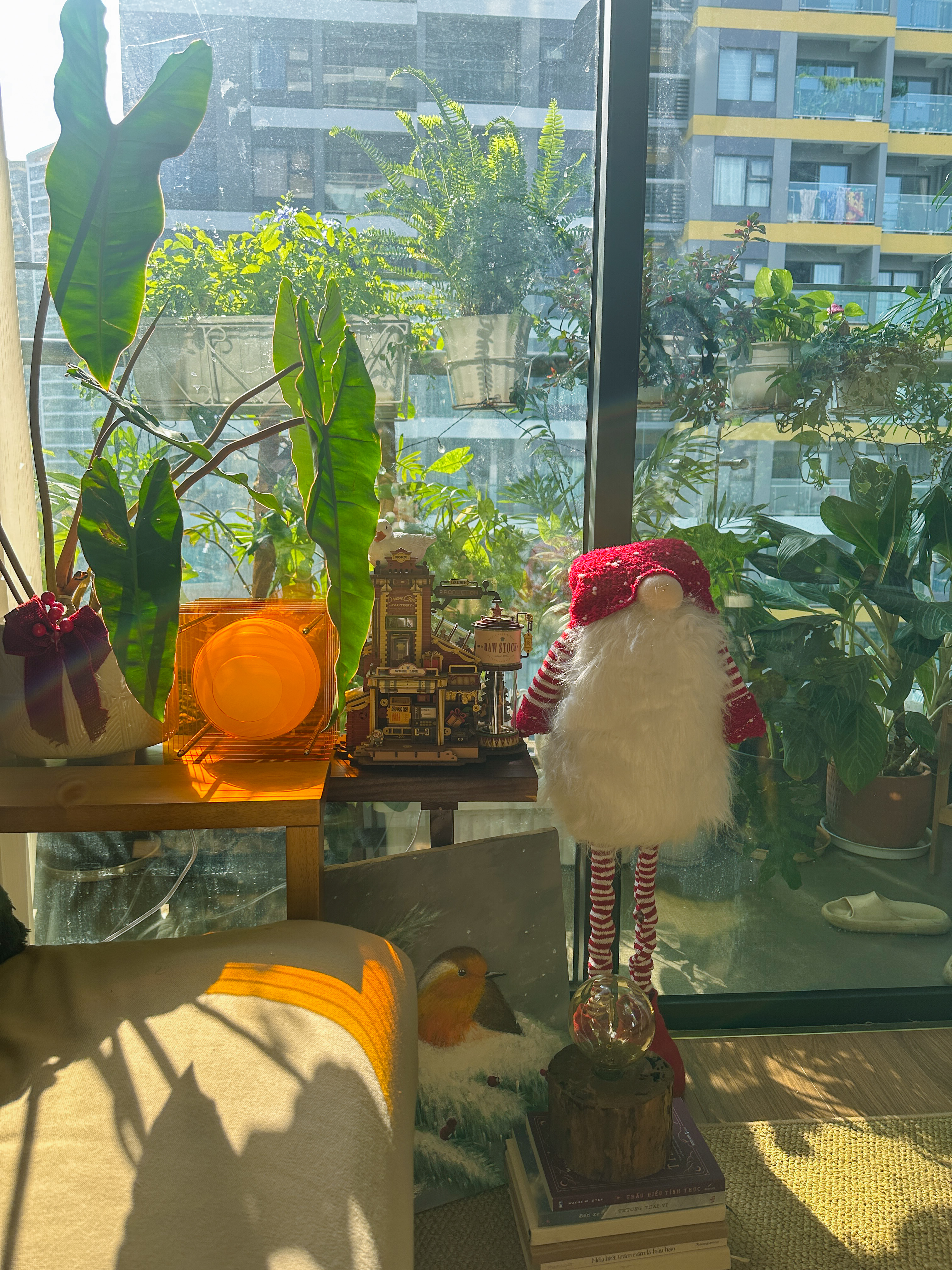
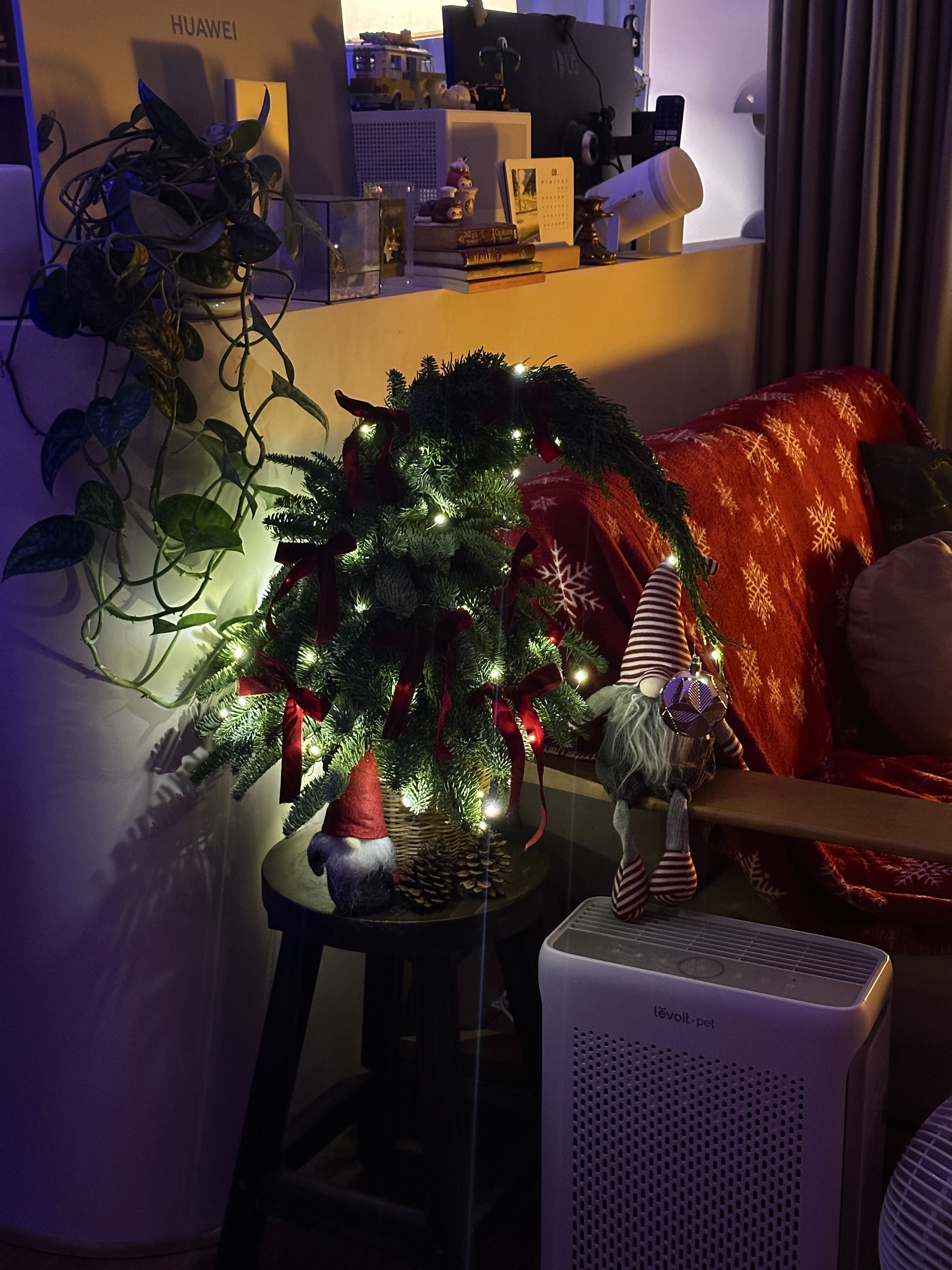
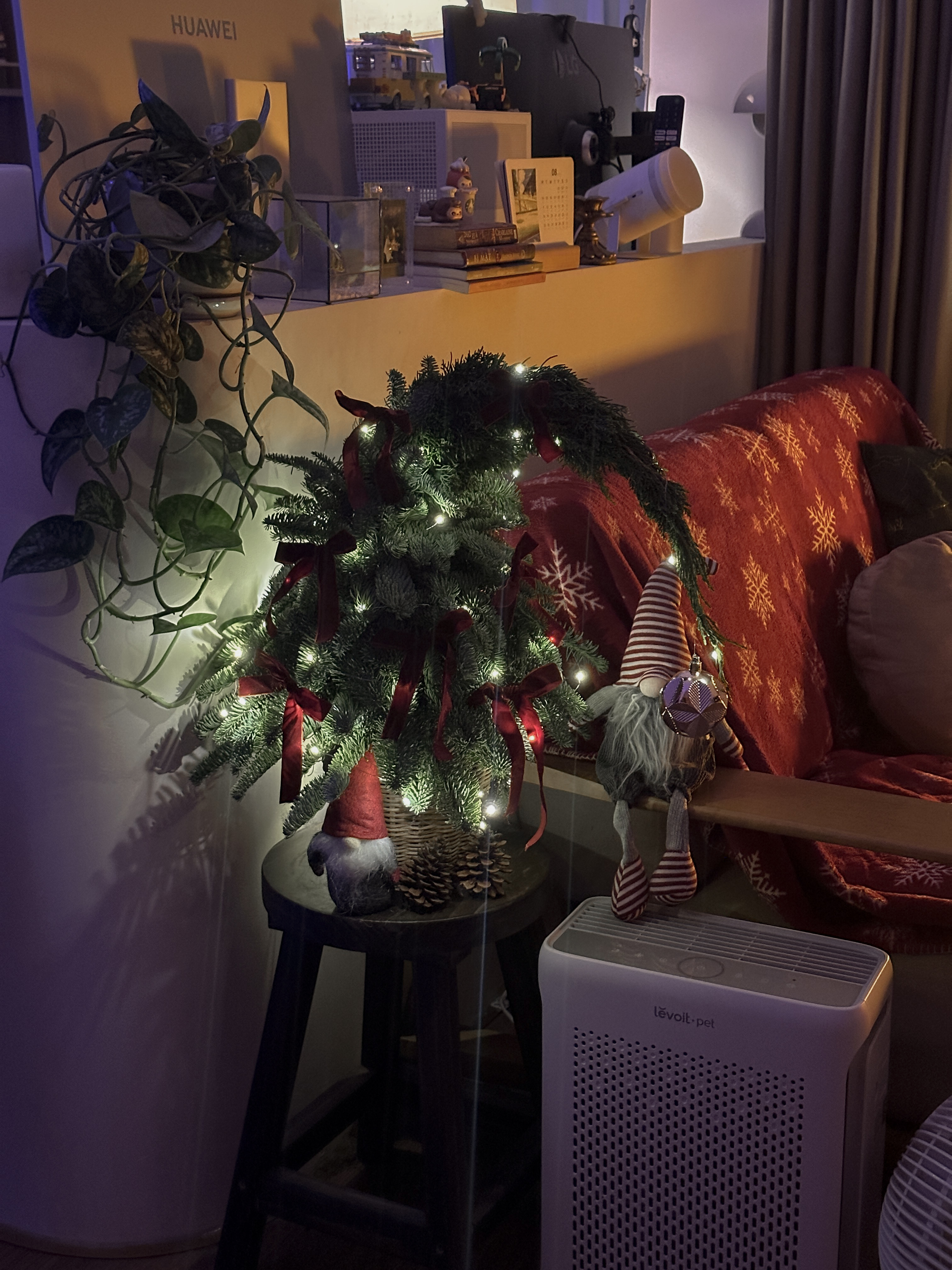
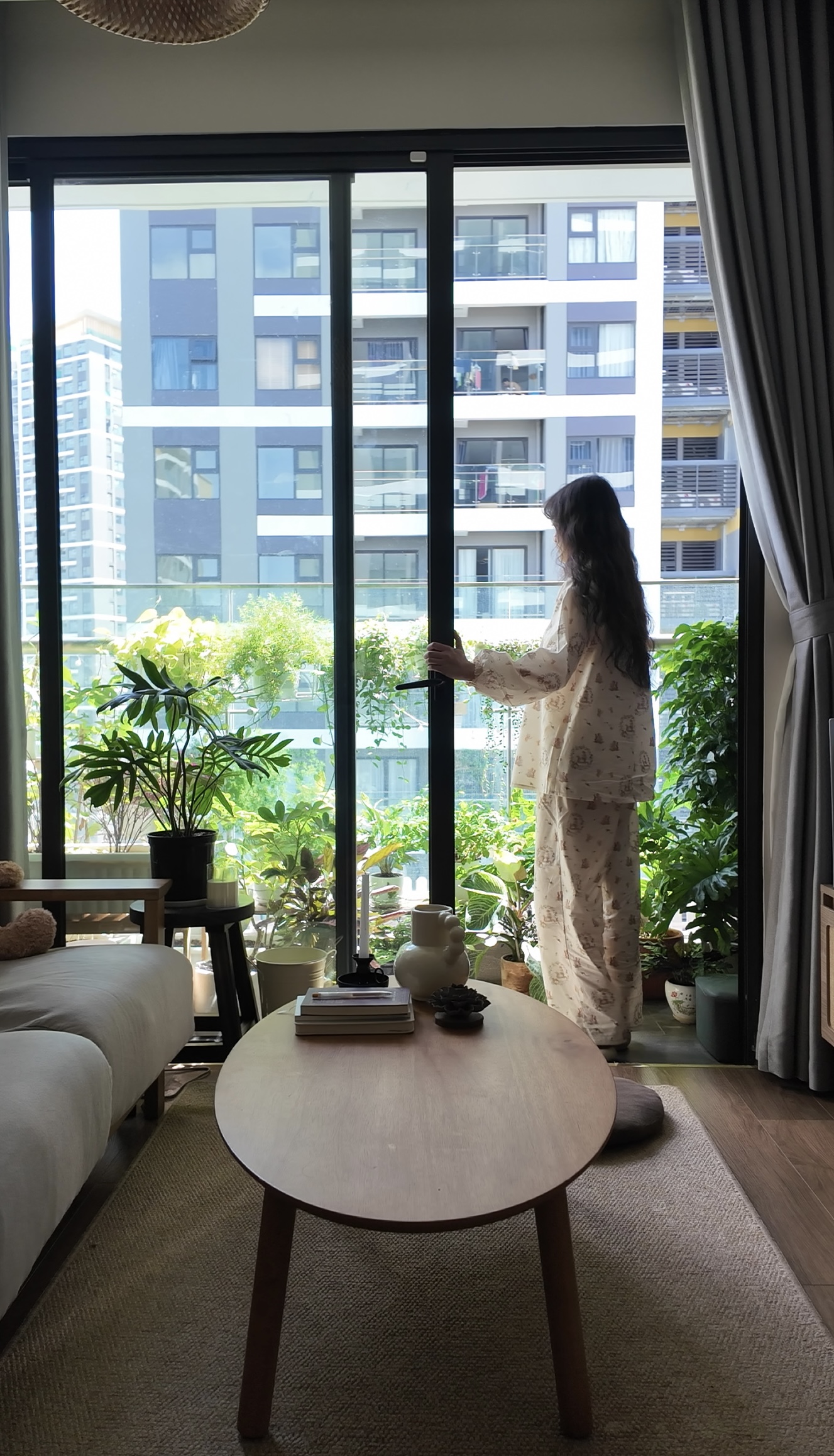
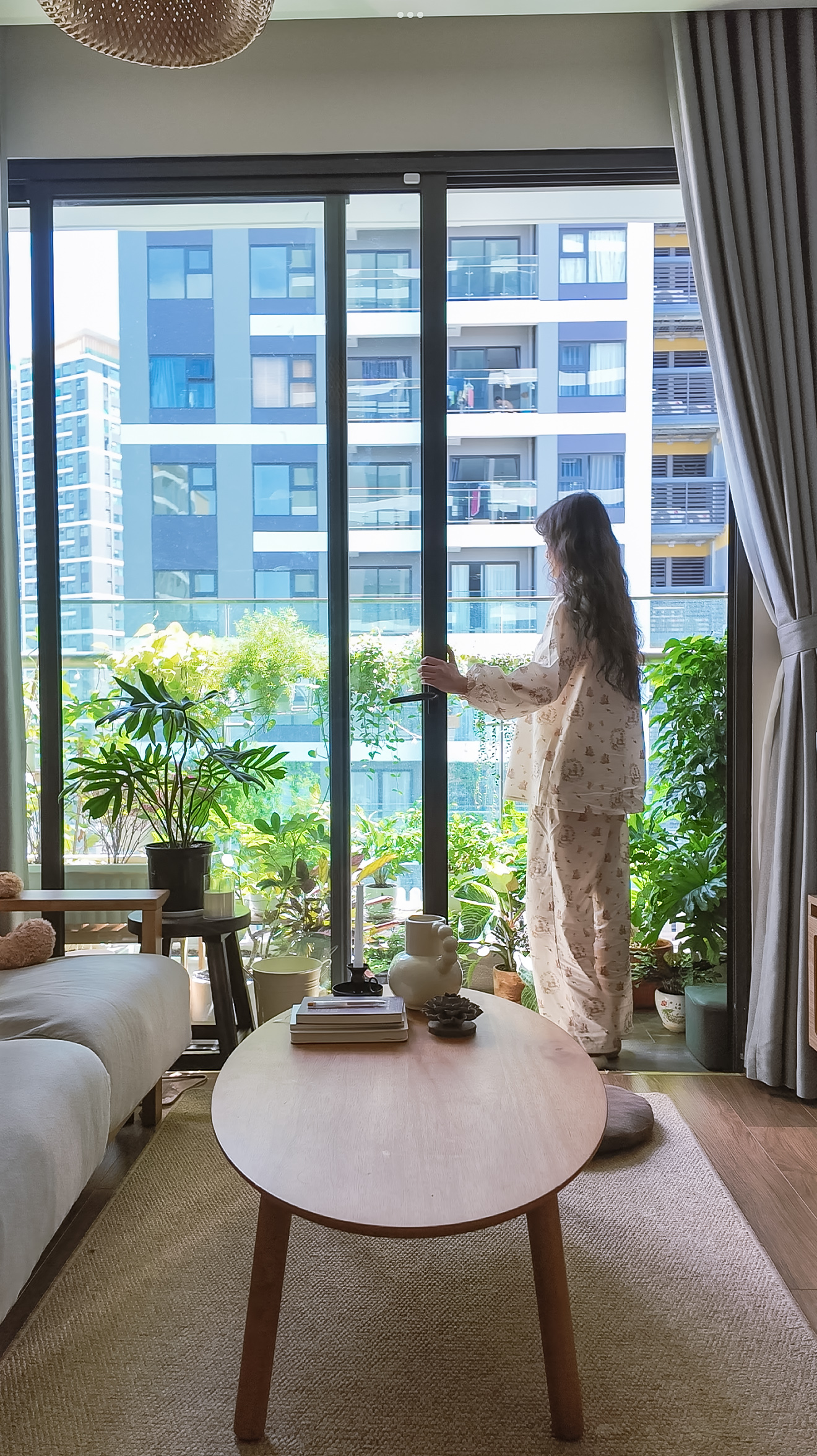
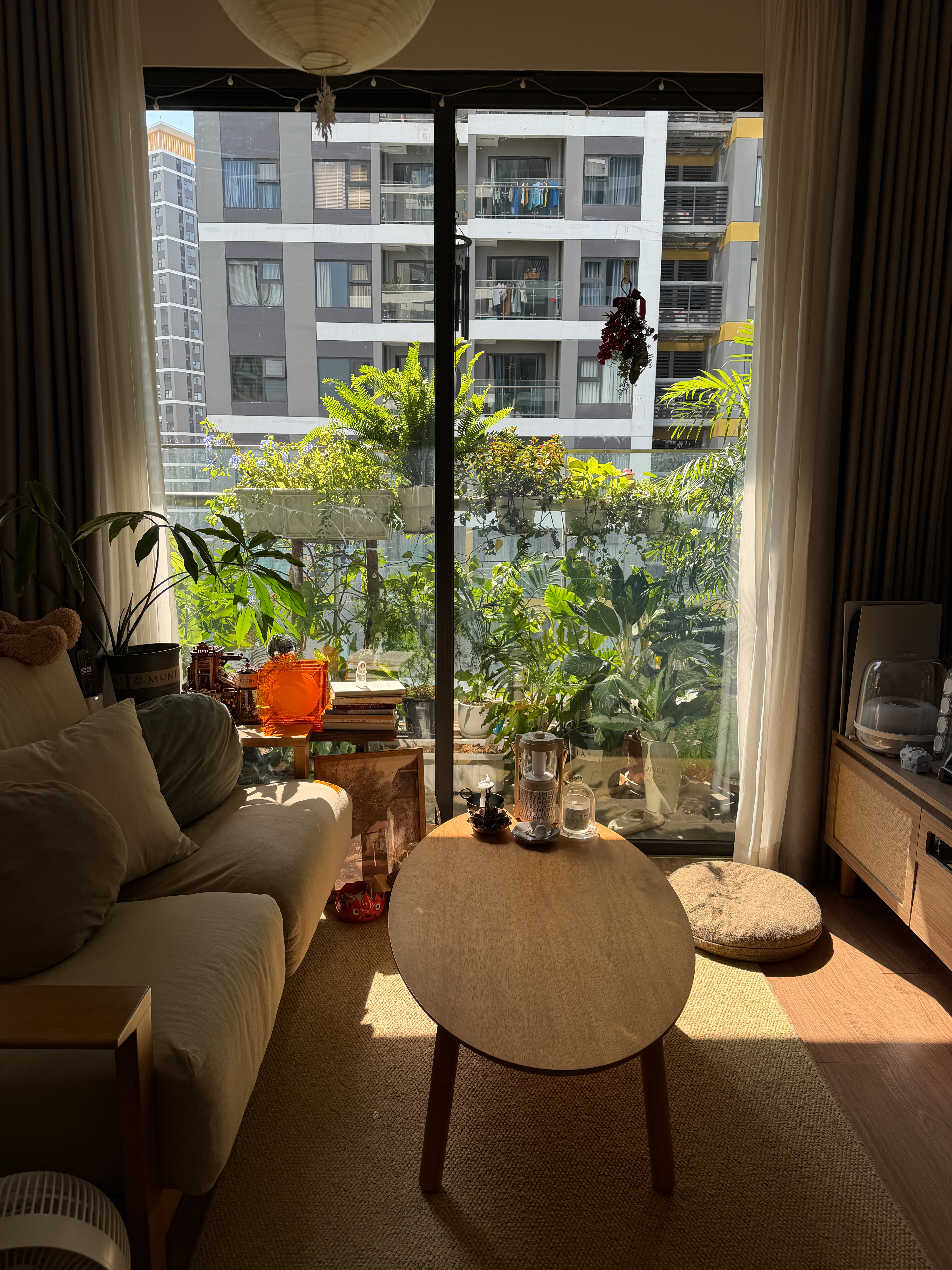
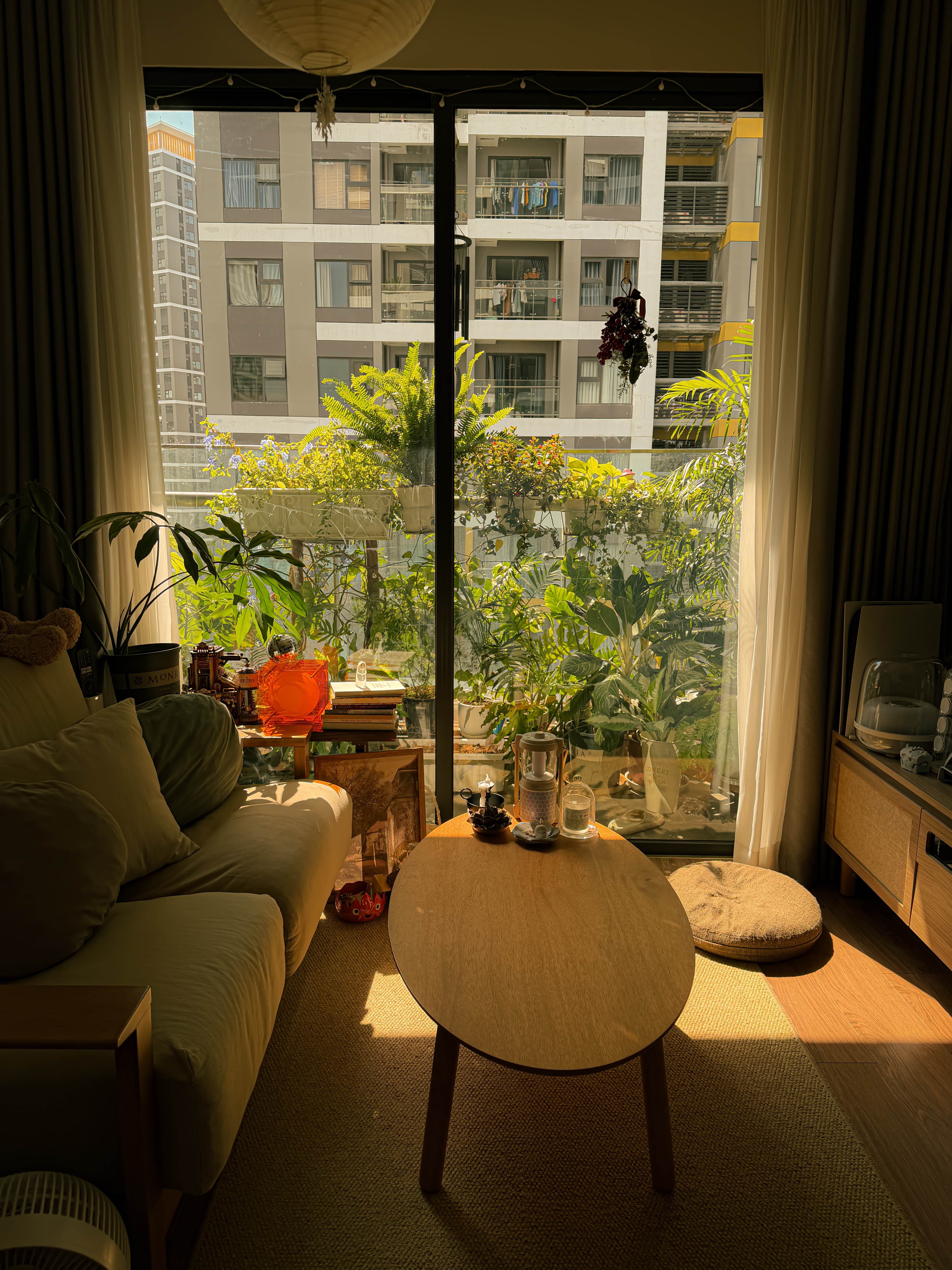
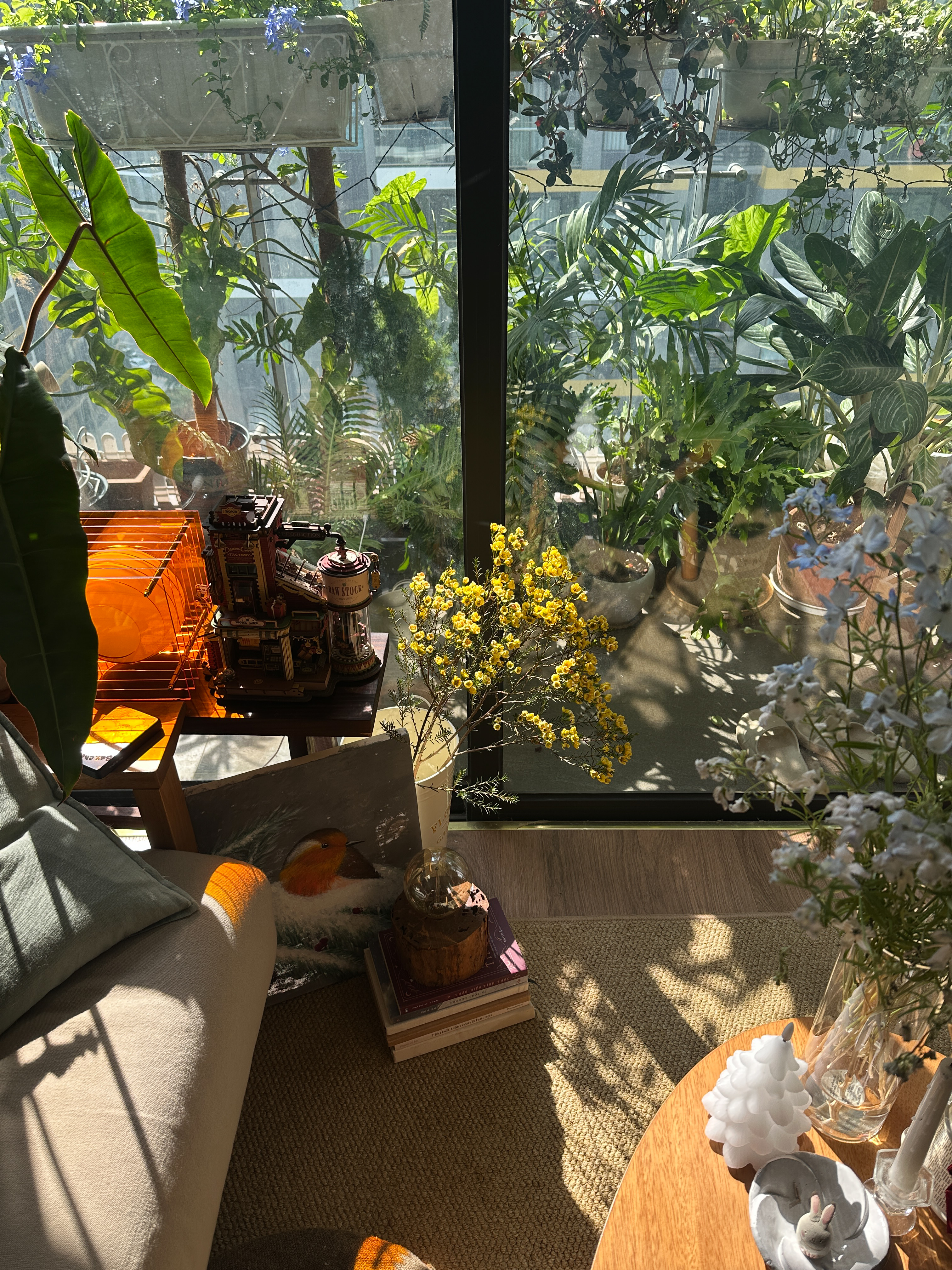
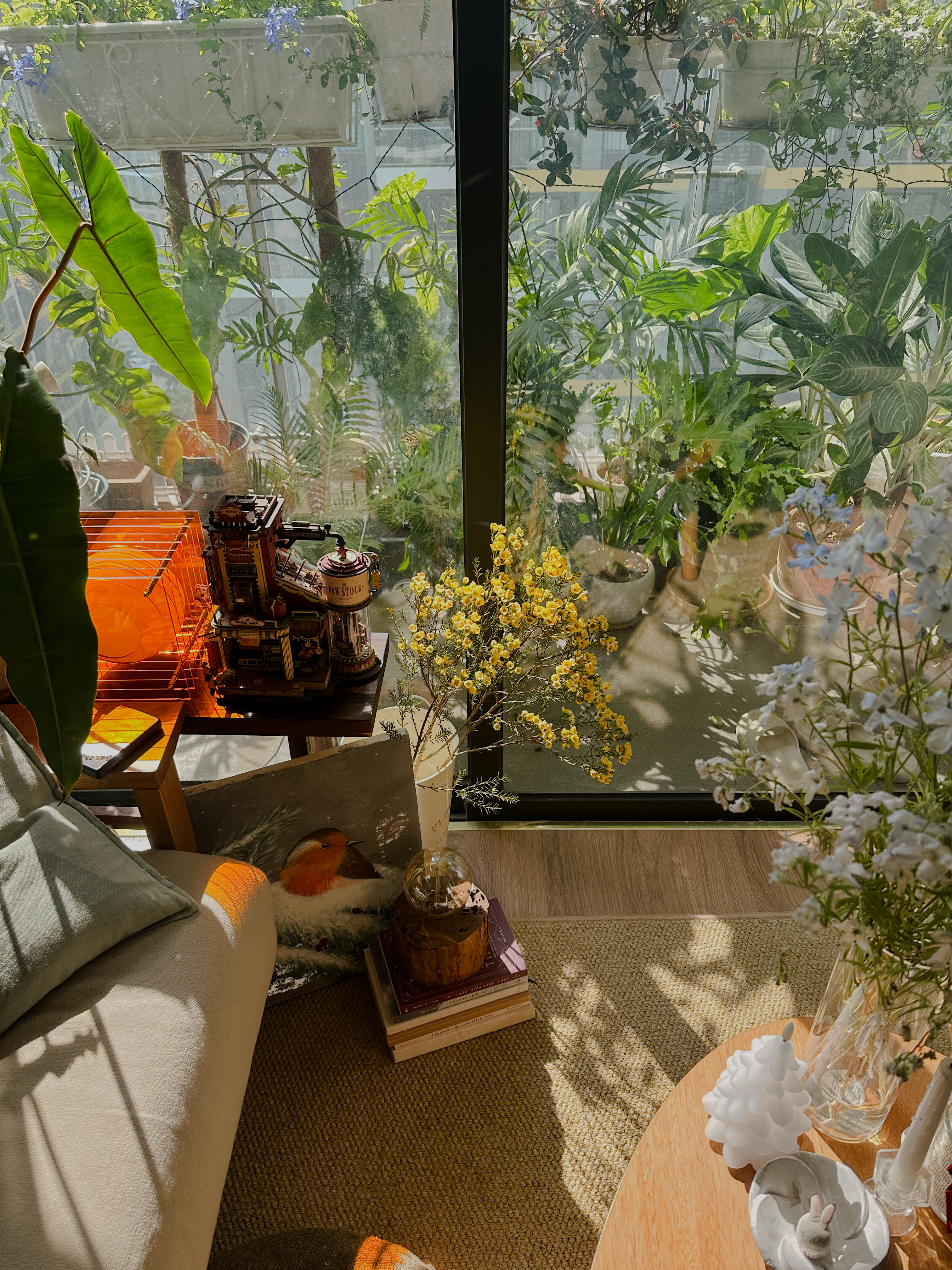
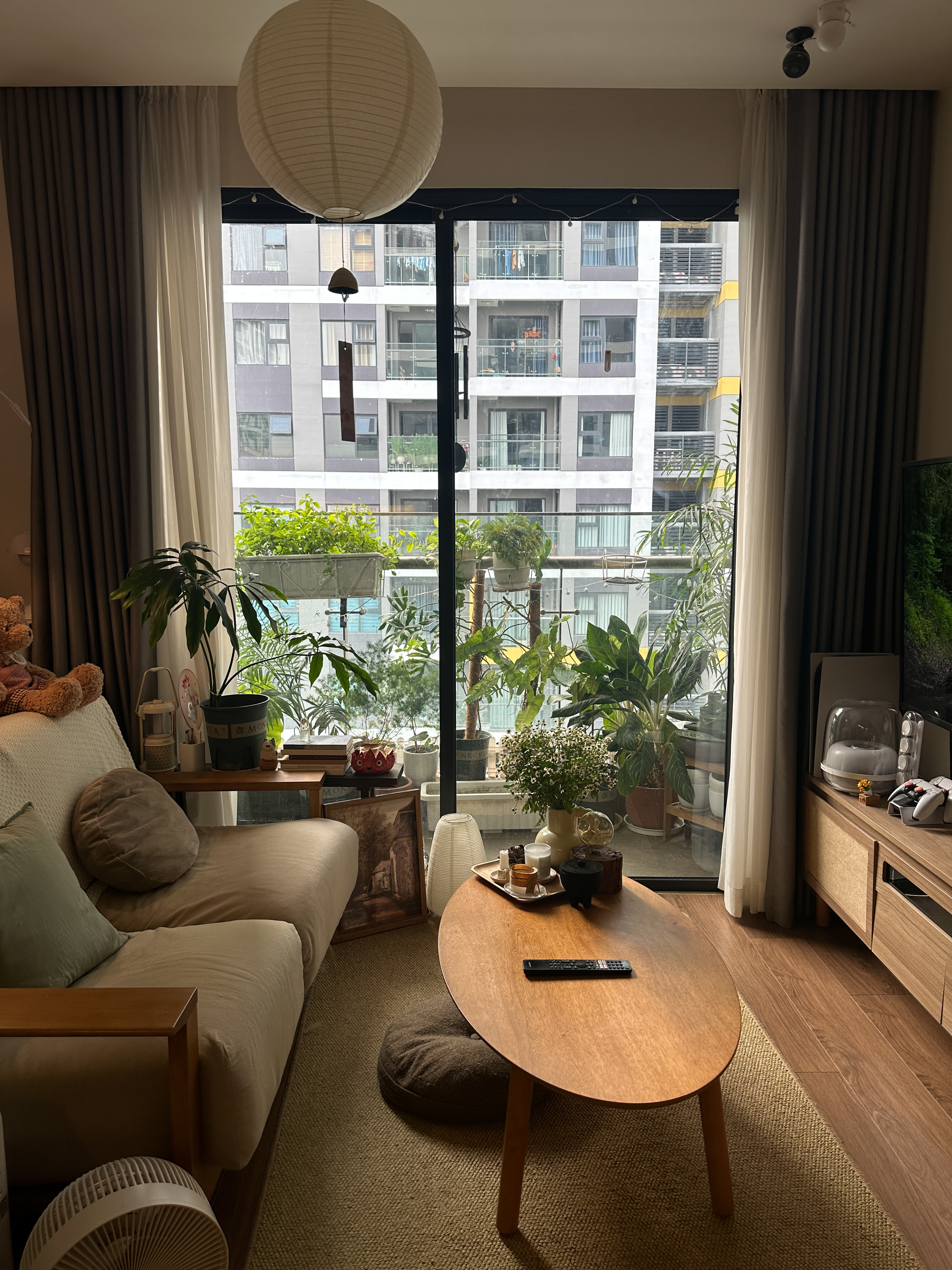
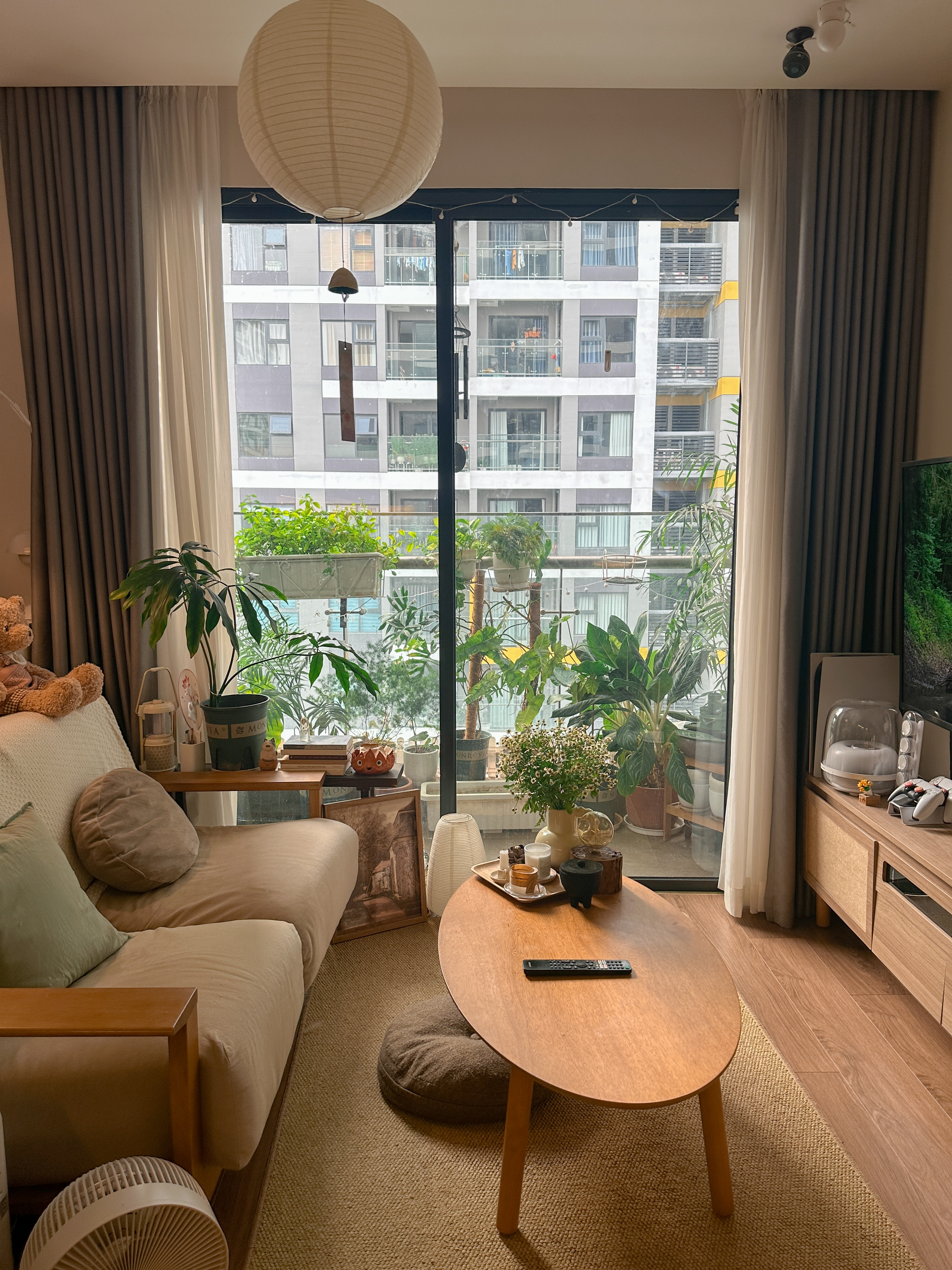
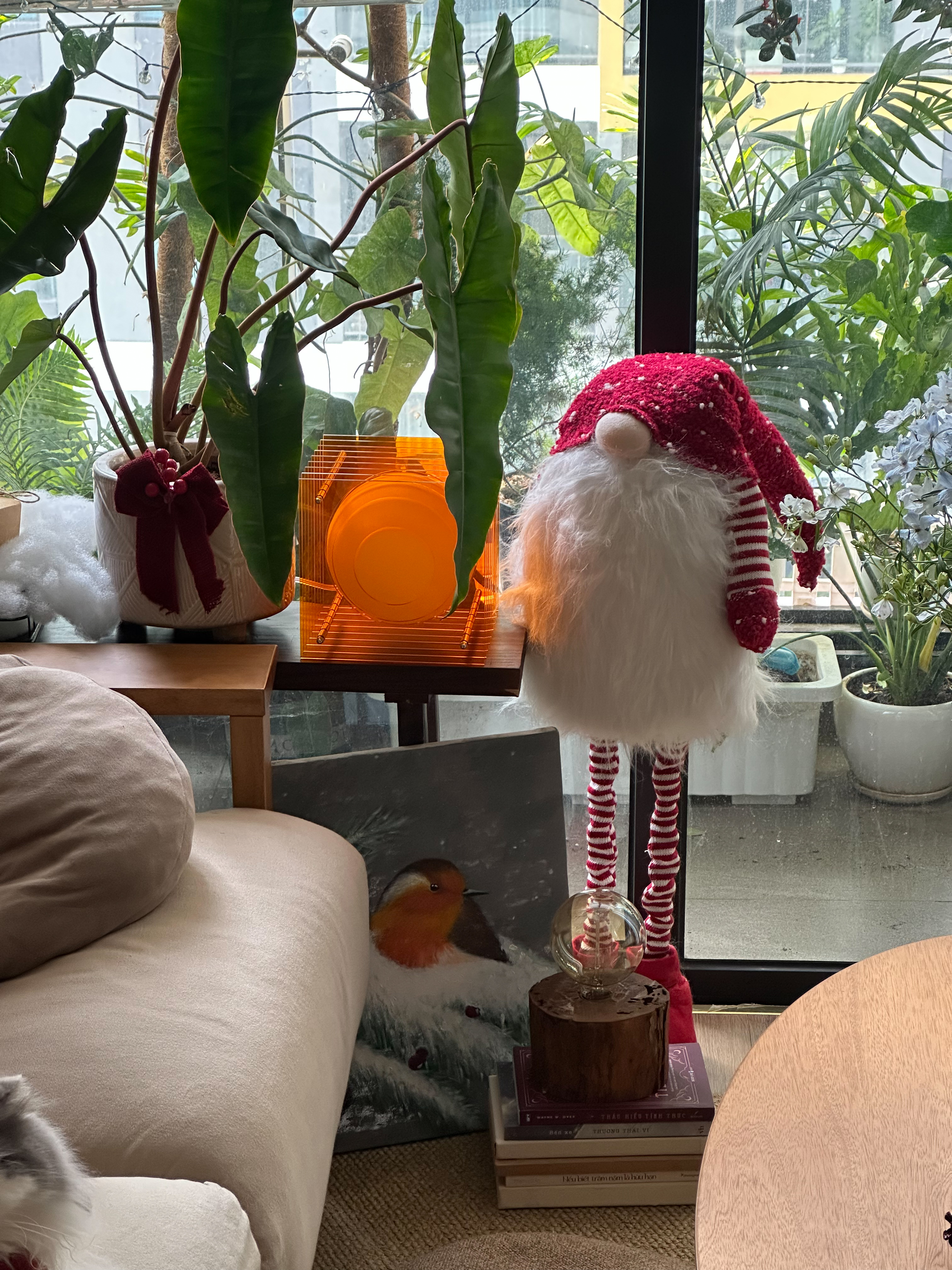
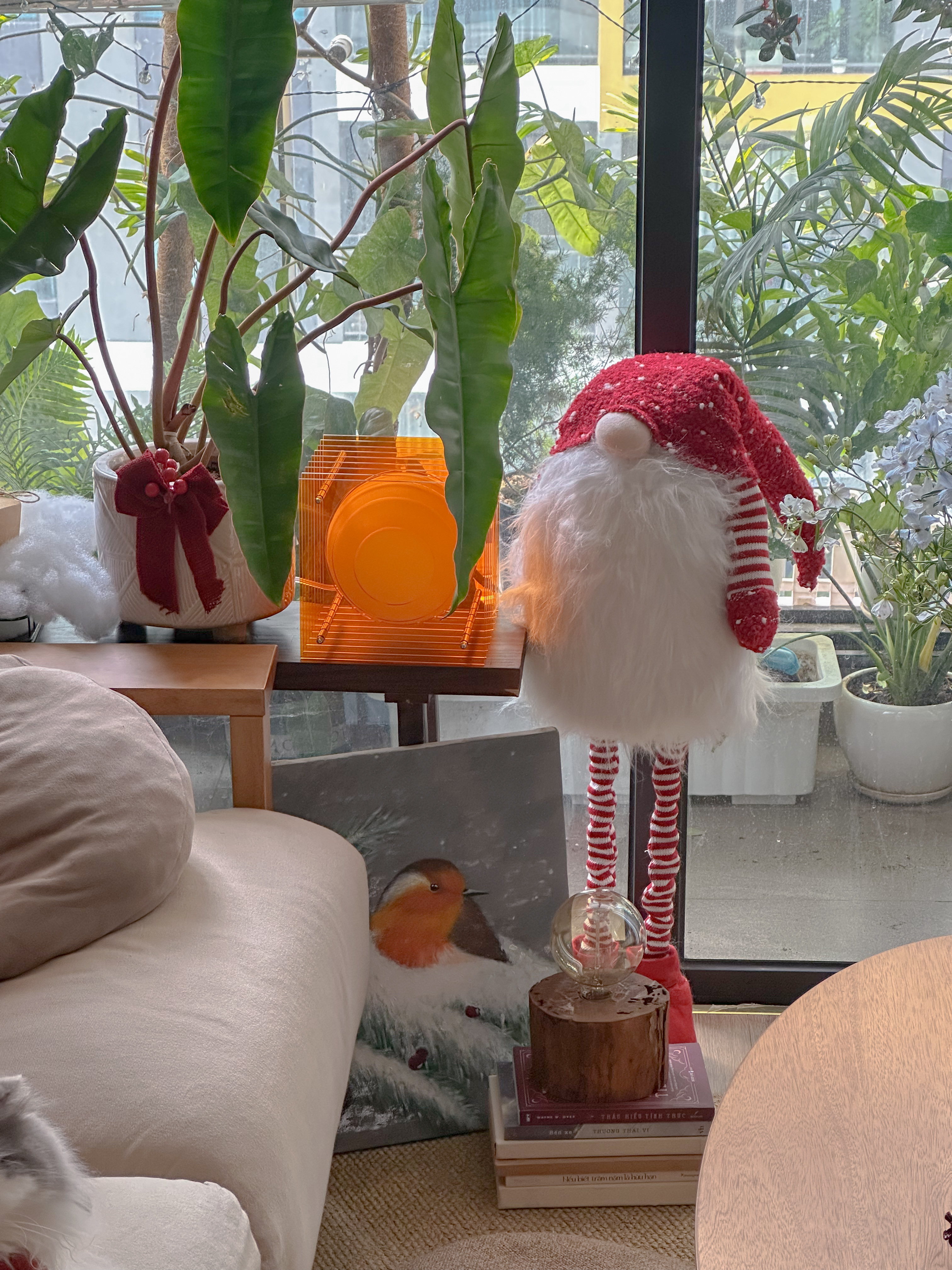
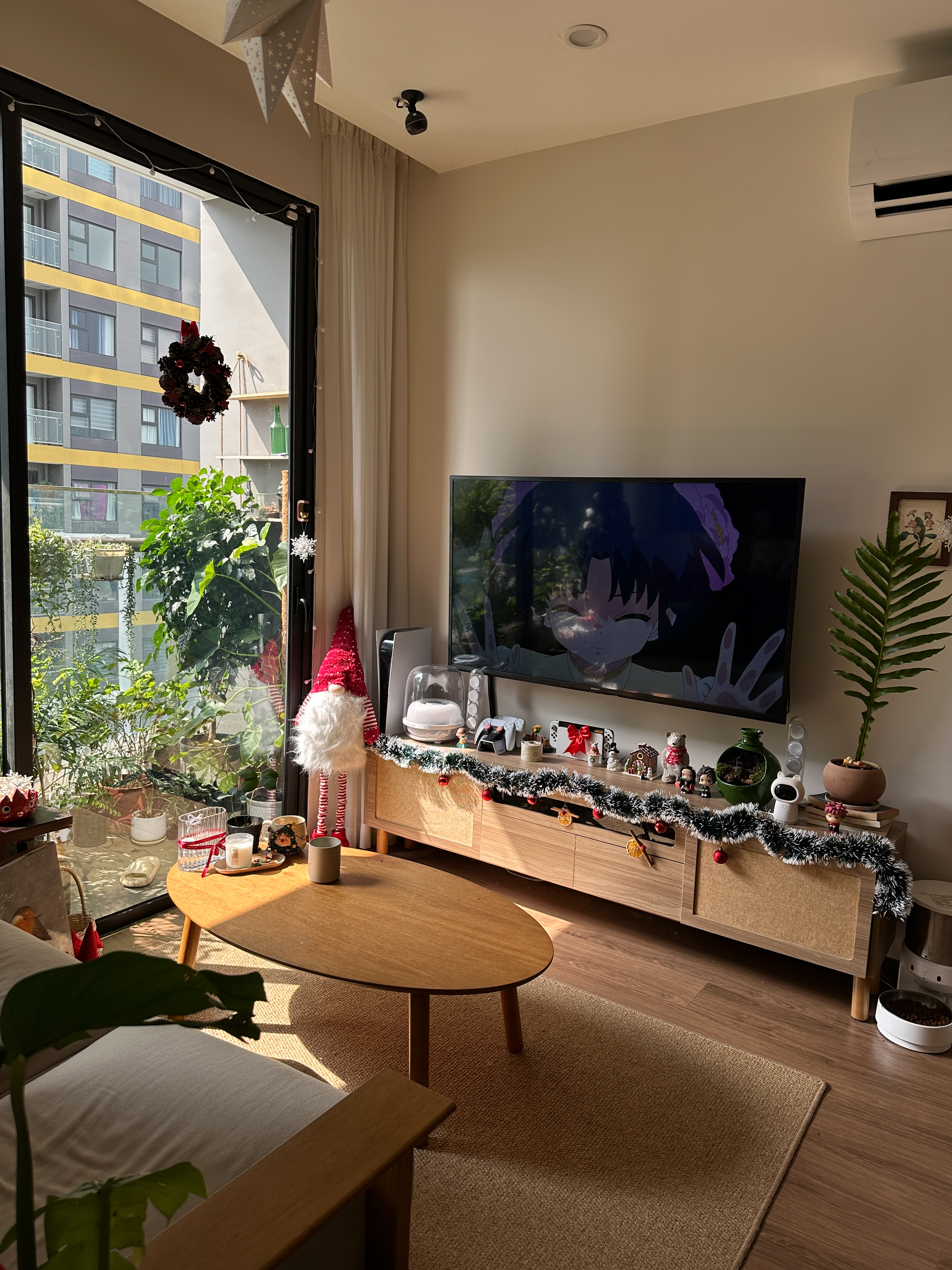
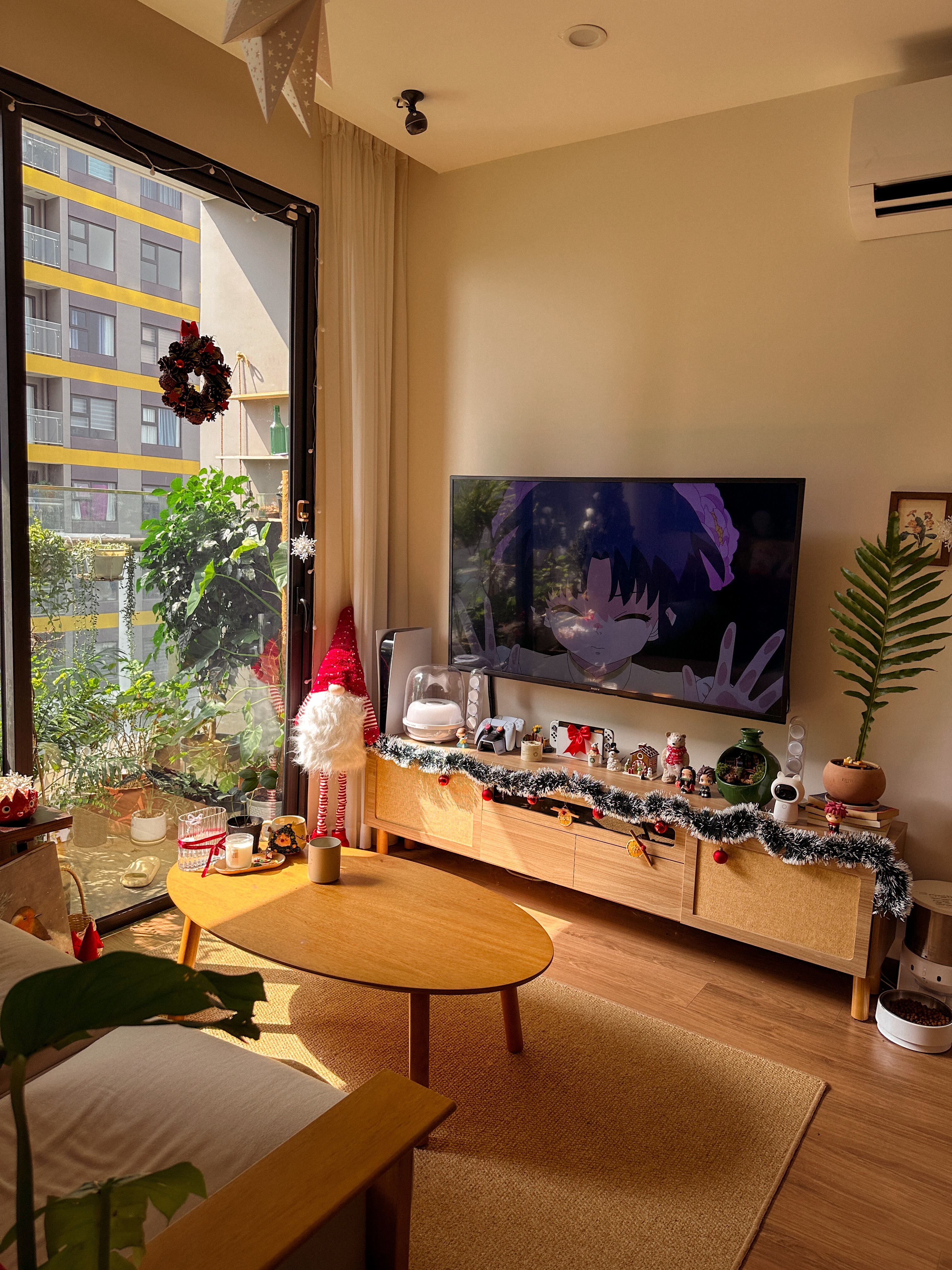
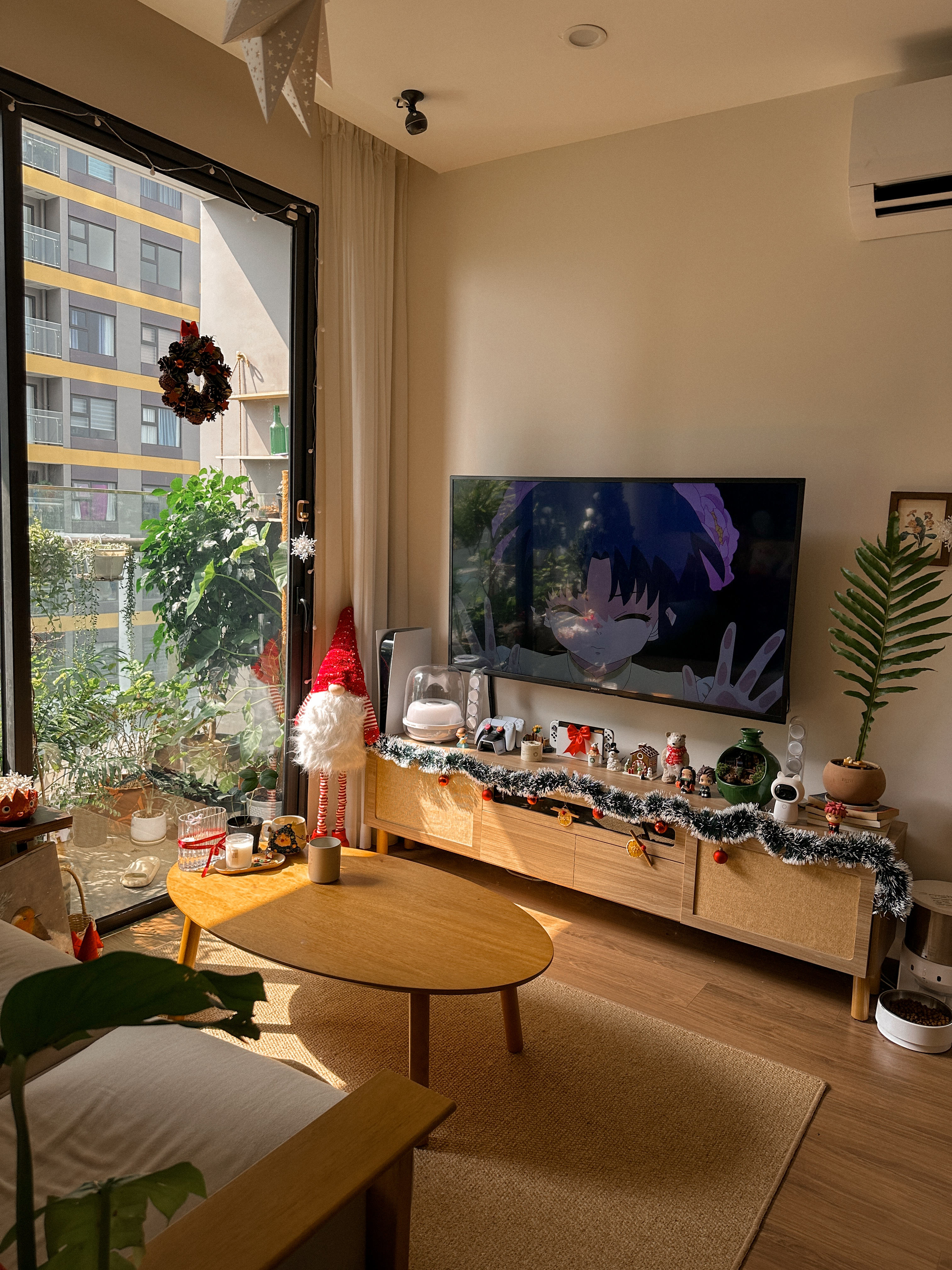
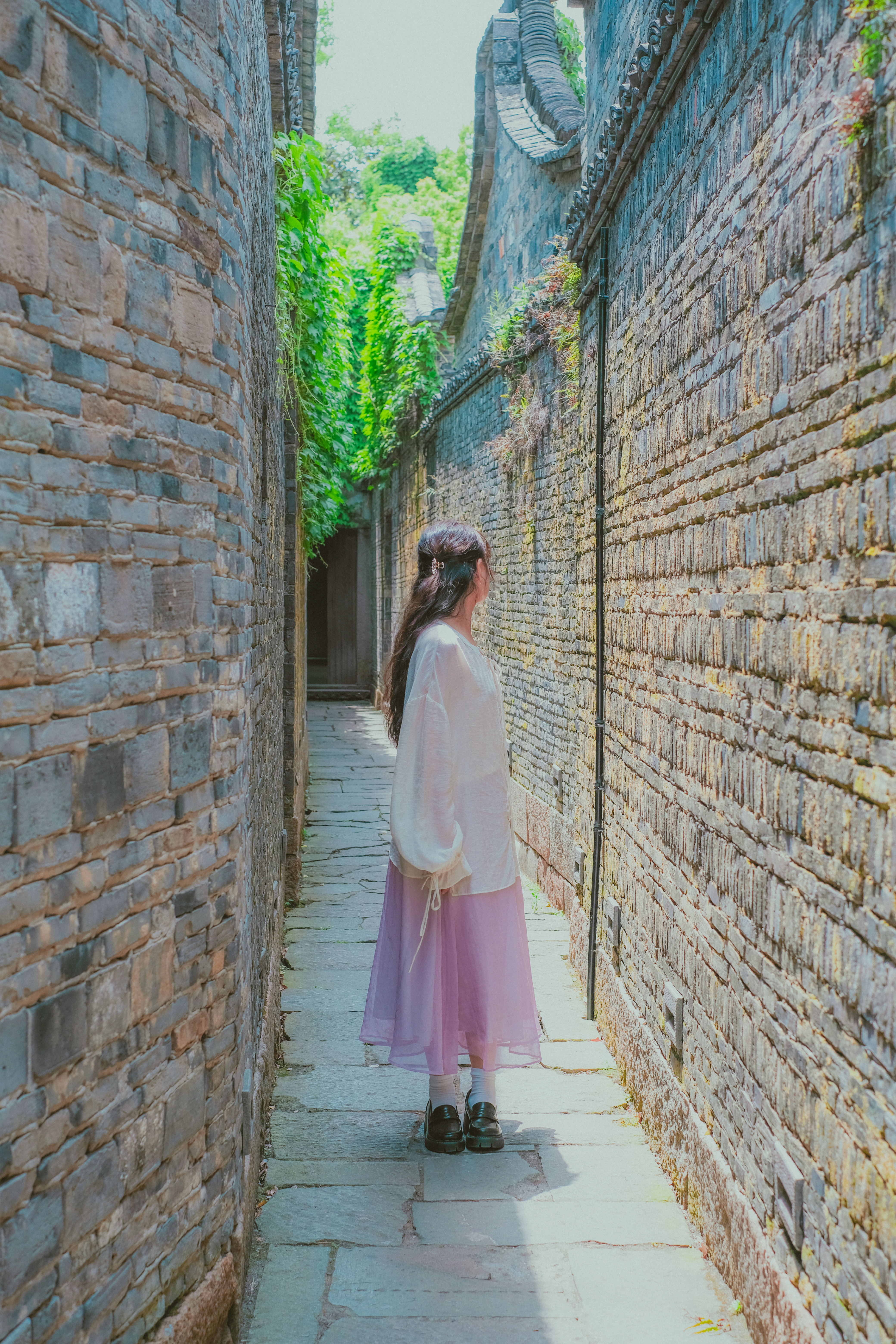
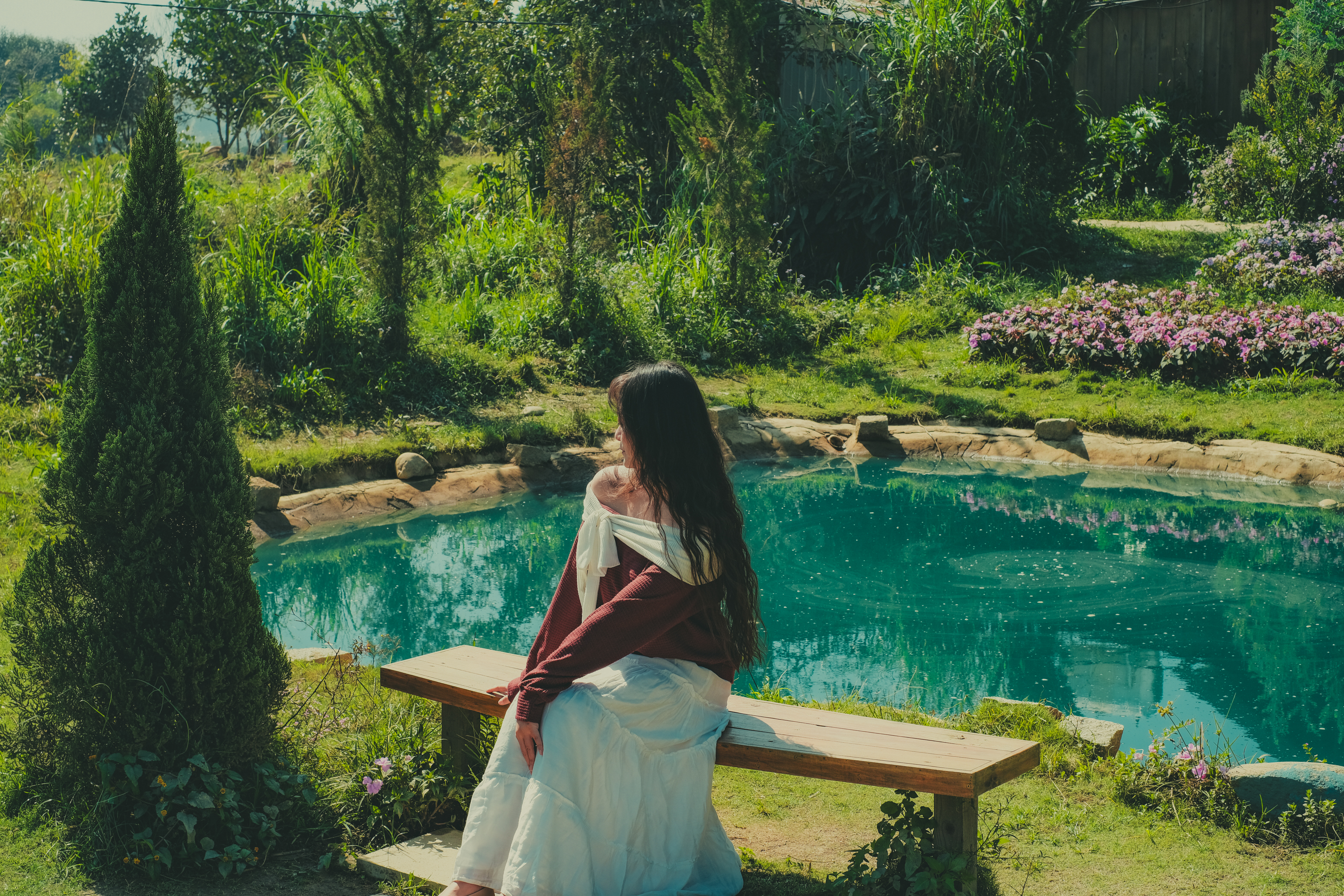
Transform your photos into a calm, cozy aesthetic inspired by my slow living lifestyle and gentle home moments 🌿
Before & After
Each preset is designed to complement natural light — enhancing warmth without looking over-edited. Real photos, real results.
Cece Cozy Home
My signature edit — warm, soft, and full of home.
Cozy Green
A little green, a little quiet — for plant corners & slow mornings.
Evening Calm
When the day slows down and the light turns quiet.
Gentle Morning
Bright and airy with a soft glow — made for slow morning routines.
Golden Cozy
Warm golden light that wraps your photo like a late afternoon.
Golden Nook
Sun-drenched corners and little moments bathed in gold.
Plant Therapy
Rich, lush greens that make every leaf feel alive.
Quiet Afternoon
Muted tones for the in-between hours — soft, still, and beautiful.
Soft Daylight
Clean and gentle — lifts any photo without losing its calm.
Warm Home
Golden warmth that turns any space into a cozy sanctuary.
Everything you get
Everything you need to edit consistently — right from your phone.
10 presets covering every cozy mood — from Warm Home and Golden Cozy to Plant Therapy and Evening Calm. One for every light and moment.
Works with the free Lightroom Mobile app on iOS & Android. Edit on your phone — quick, easy, and beautiful results.
Step-by-step guide with screenshots for installing on Lightroom Mobile. Even beginners can get set up in under 5 minutes.
A bonus guide on how to customize each preset to your specific lighting — so every photo looks like it was taken in golden hour.
What's inside
Each collection has its own unique mood — together they cover every aesthetic you love.
My signature editing style — warm, cozy, and lived-in. Designed for everyday moments at home, soft light, and calm interiors.
Inspired by the dreamy, magical world of Studio Ghibli — soft greens, misty blues, and nostalgic golden light that feels like a fairy tale.
Works with
Works with the free Lightroom Mobile app — no paid subscription needed for mobile editing.
LR Mobile
iOS & Android · Free app
All Cameras
iPhone, DSLR, mirrorless
Simple setup
No technical knowledge needed. If you can open an app, you can install these presets.
Instant download after purchase. You'll receive a ZIP file with all preset files + installation guide.
Follow the included PDF guide to import presets into Lightroom Mobile in just a few taps.
Open any photo in Lightroom and navigate to the Presets panel to find your new collection.
Click any preset and fine-tune to your liking. Every photo is different — adjust exposure as needed.
From the community
I've tried so many preset packs but these are the first ones that actually match the cozy, warm aesthetic I've been going for. My Instagram feed finally looks cohesive.
The "Cozy Green" preset is everything. I use it on all my café shots and people keep asking how I edit. The installation guide was super clear too — I was set up in 3 minutes.
As someone who doesn't know much about editing, these presets made my photos look so much better instantly. Worth every penny — I use them every single day.
One-time purchase
Pay once. Use forever. No subscription, no monthly fees.
Complete Preset Pack
Cece Vu Cozy Home Preset
One-time payment · No subscription
✦ Instant digital download · No subscription
Questions
No! These presets work with the free Lightroom Mobile app on iOS and Android — no paid subscription needed.
You'll receive a ZIP file containing: .DNG files (for Lightroom Mobile) and a PDF installation guide with screenshots.
Absolutely. These presets are designed and tested on iPhone photos. They also work beautifully on DSLR and mirrorless camera files. Every preset can be adjusted to suit different lighting.
Most people are up and editing within 3–5 minutes. The included PDF guide walks you through the entire process with clear screenshots for Lightroom Mobile.
Yes! You can use these presets to edit photos for your personal or commercial projects — social media, blogs, client work, and more. You may not resell the presets themselves.
✦ One-time purchase · Instant download
Stop spending hours editing. One click, and your photo already feels like a memory worth keeping.
Get the Presets →✦ Works with free Lightroom app · Compatible with all cameras